Unsubscribe from Thread: Remove Unwanted Conversations from the Inbox
Unsubscribe from Thread allows you to remove all current and future messages in a conversation out of the Inbox so that they don't clutter your Inbox.
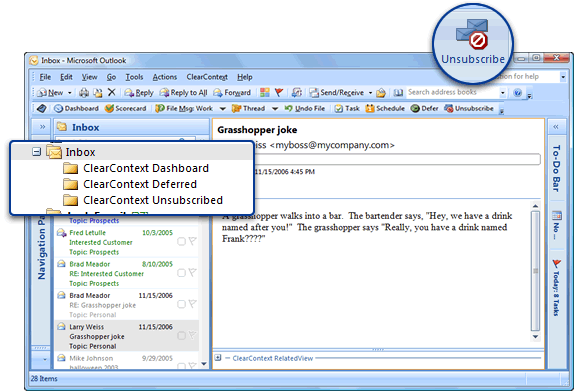
When copied on a long email thread that you have no interest in (i.e. joke threads, happy hour planning, etc.), highlight a message from the thread, click Unsubscribe, and all Inbox messages from that conversation will be automatically moved to the ClearContext Unsubscribed folder (a sub-folder of Inbox). All future messages that you receive from the same conversation will automatically be moved to this folder as well. To re-subscribe to the thread, go to the ClearContext Unsubscribed folder, highlight a message from the thread, click Unsubscribe, and future messages you receive will stay in the Inbox.